
Skip to content

What we install

All solutionsEverything we install, on one page. Video surveillanceCameras designed around your doors and grounds. Access controlKnow who enters, and when. Video managementOne place to review all your cameras. IoT sensorsEarly alerts for events cameras alone miss. Emergency responseDetection, routing, evacuation and emergency plans.

Who we help

Faith communitiesSafer worship spaces, respectful of open doors. Schools and daycareProtecting students, staff and pickup routines. Commercial propertiesOffices, retail and mixed-use buildings. Any organization with open doorsAny building with open doors. Start with a walkthrough of your site.
Start with a free walkthrough A free visit: we walk your site with you and send one written plan. No obligation. Book a Free Site Walkthrough
Built to grow into a digital twin - concept
How we work
About Our team Contact
Book a Free Walkthrough
Solutions

What we install

All solutions Video surveillance Access control Video management IoT sensors Emergency response

Who we help

Faith communities Schools and daycare Commercial properties Any organization with open doors
How we work
Company About Our team Contact
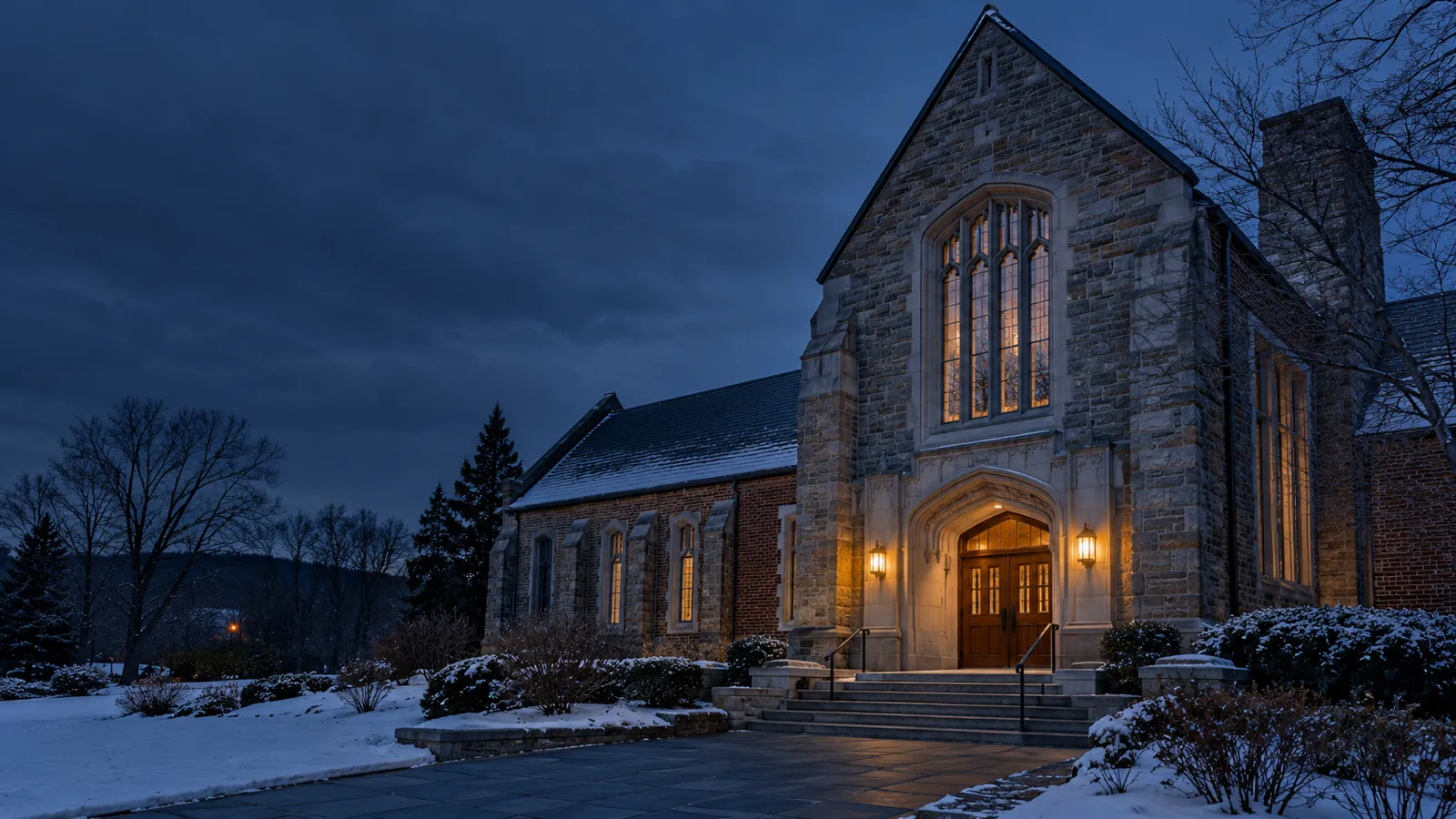
Generated illustration: a stone church exterior at dusk in winter, warm light at the entrance

Faith communities

Security planned around how your community gathers.

Cameras, access control, video management, IoT sensors and emergency response, planned around services, many doors, volunteers, and unstaffed hours. Start with a campus walkthrough, installed by our own team.

Book a Free Site WalkthroughTalk to our team
  • 01Services
  • 02Many doors
  • 03Volunteers
  • 04Quiet hours

A sanctuary, a hall, and a dozen doors.

Services, school weeks, community events, and quiet hours use the same buildings differently, and most of the doors are unstaffed most of the week. A walkthrough with the facilities team brings those patterns into one plan.

Systems a campus can include

Start with what the buildings need now. The walkthrough sets scope and priorities.

  • Cameras and coverage
  • Access control
  • Video management
  • IoT sensors
  • Emergency response

The walkthrough

Walk the doors and the spaces between.

We review each building with the people who care for it. Placement decisions reflect how the campus is used and the privacy expectations of its community.
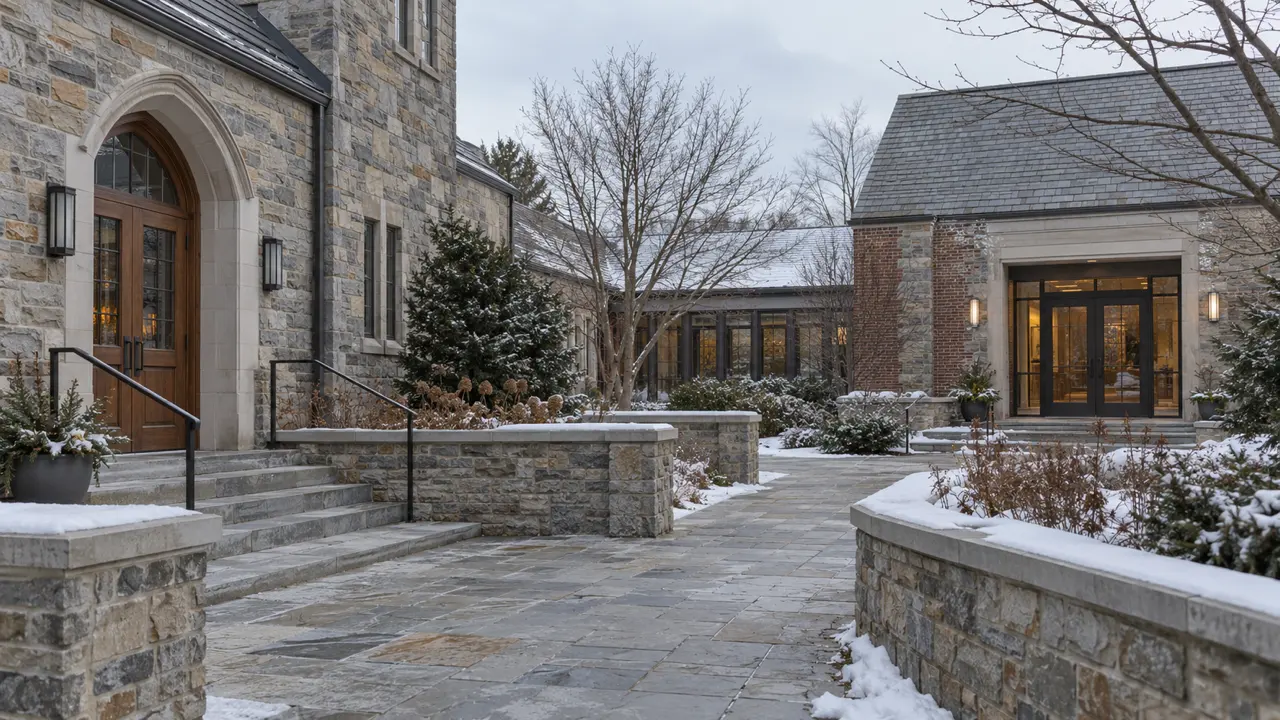
Stone paths and entrances linking a sanctuary and a community hall on a snowy campus010203
  1. 01Pedestrian and vehicle entries across the campus.
  2. 02Parking, outdoor areas, and routes between buildings.
  3. 03Sanctuary and classroom placement discussed with the team.

Where the twin comes in

The IoTwinTM digital twin is the direction these installs build toward: door, camera, and sensor events shown in their place on the campus map, for sites that want it and never as a prerequisite.

See the vision - an illustrative concept

Installation and handover

Fitted to your calendar, reviewed by your board.

The written plan sets camera coverage, door access, priorities, and scheduling. Installation is coordinated around services and the school calendar.

  • Doors, roles, hours, and volunteer access.
  • Scope and priorities for board or committee review.
  • Recording and review permissions agreed in advance.
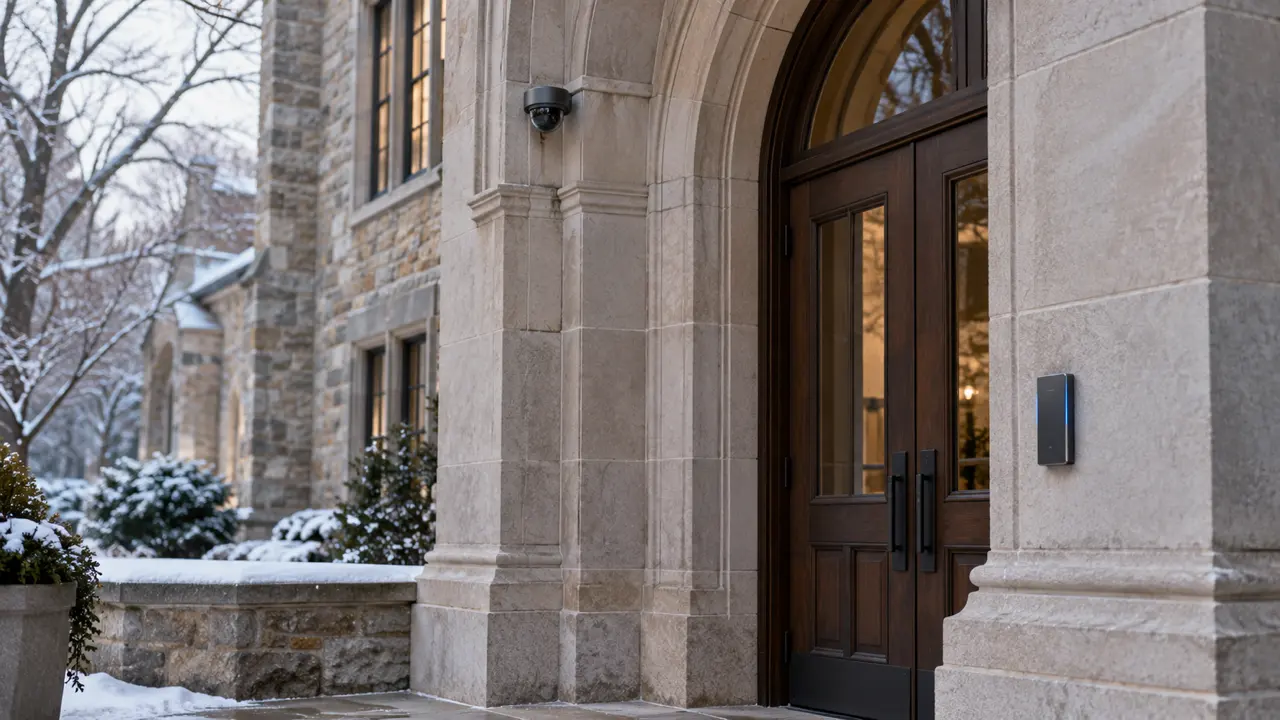
Dome camera and wall-mounted card reader beside the carved wooden doors of a sanctuary

Who holds the keys afterward

The campus team receives the agreed system information and operating arrangements. Credential administration, footage review, and the point of contact are explained at handover.

Common questions from congregations

How are sanctuary privacy expectations handled?

Camera placement is discussed with the facilities team on the walkthrough. The plan records the agreed coverage and review arrangements.

Can one plan cover several buildings?

Yes. The walkthrough covers each building and the routes between them, with campus-wide priorities.

Can installation fit around services and school weeks?

The installation schedule is agreed around the campus calendar and access to work areas.

Can volunteers have access only when they need it?

Door access can be set by role and hour, so opening and closing teams hold what they need and nothing more.

Does the board receive a written scope?

The plan records scope, priorities, and a timeline for the campus team to review.

Walk the campus with us.

Bring a board member, the facilities lead, and a volunteer who opens up. We will walk the doors together.

Book a Free Campus Walkthrough

Free and no obligation. We walk your site with you, then send you a clear plan.

Real-Time Intelligence for Safer, Smarter Spaces.

Our systems Video surveillance Access control Video management IoT sensors
Who we help Faith communities Schools and daycare Commercial properties Any organization with open doors
Built on what we install Digital twin (concept) Emergency response Facility management Real estate Security and insurance
Company About How we work Contact
© 2026 IoTwinTM. All rights reserved. Privacy Cookies Terms Cookie preferences Headquartered in Boston, MA / Serving the US

Your privacy choices

We use necessary cookies to keep forms secure and remember your choice. With your permission we also use Google Analytics, Microsoft Clarity and Apollo to understand how the site is used and which organizations visit it. Advertising is never enabled. Cookie policy

NecessaryAlways on

Form security and your saved choice. The site cannot work safely without these.

Analytics

Google Analytics 4 (traffic), Microsoft Clarity (heatmaps and session replay) and Apollo (website visitor tracking that can identify the visiting organization). Off unless you turn it on.