
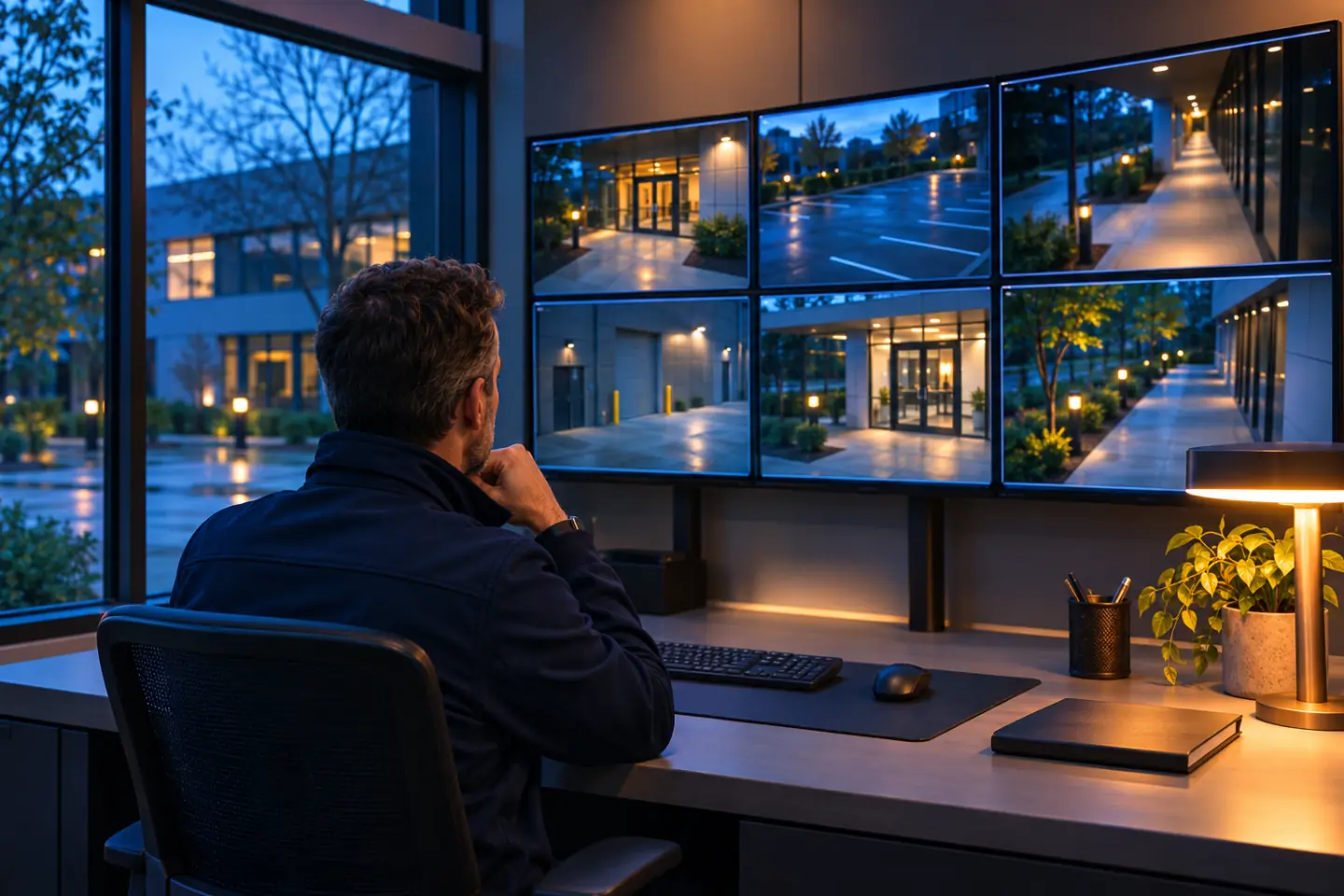
Generated illustration: an operator reviewing a wall of camera views from a quiet office at dusk.

Video management

One place to review your building's video.

Bring compatible camera views and recordings into a video management system. IoTwinTM plans review, retention, and permissions with your team.

  • Views
  • Recordings
  • Retention
  • Permissions

Scattered footage

Finding a recording should be quick.

When views and recordings sit on separate systems, finding one clip takes a search through each. The walkthrough inventories cameras and recorders, checks compatibility, and maps how your team needs to review footage.

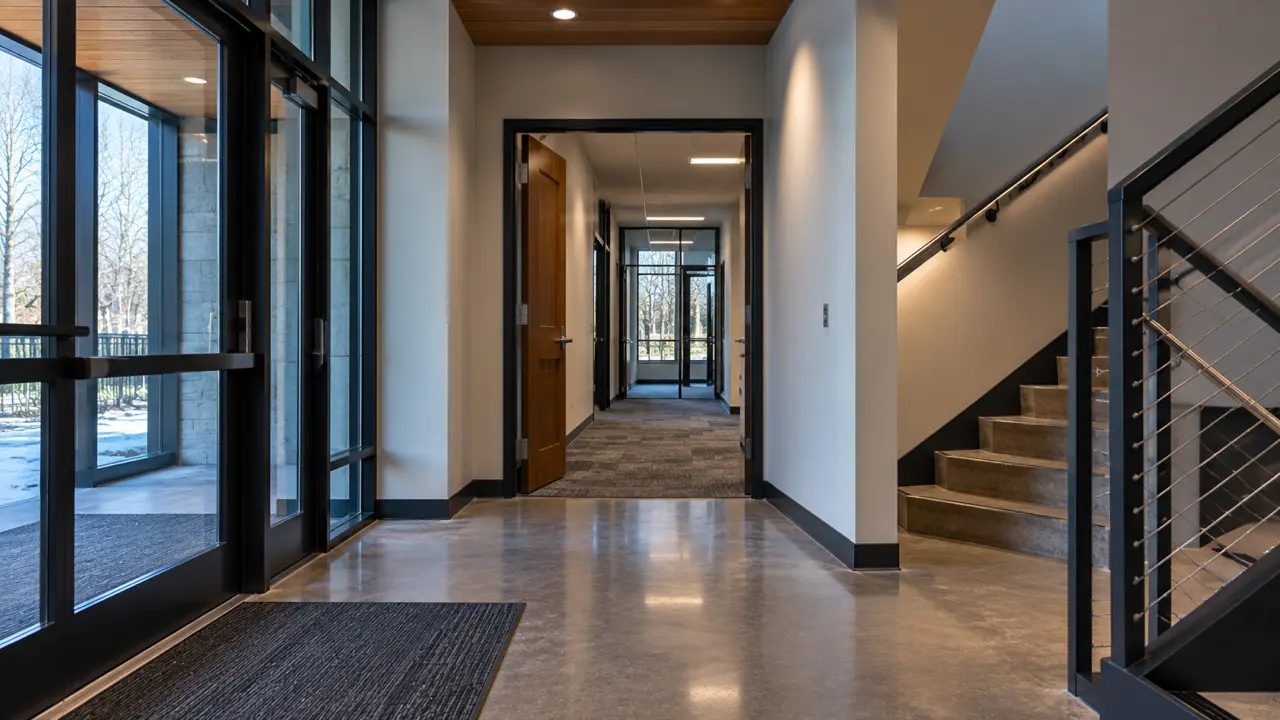
Interior corridor with doors and glass exits, where camera views begin

What we do

Take stock of what you already run.

We start with the people who use the footage and ask what they need to see and how long recordings should be kept.

  • Existing cameras and recorders inventoried.
  • Compatible views brought into a shared interface.
  • Recording, retention, and search needs documented.
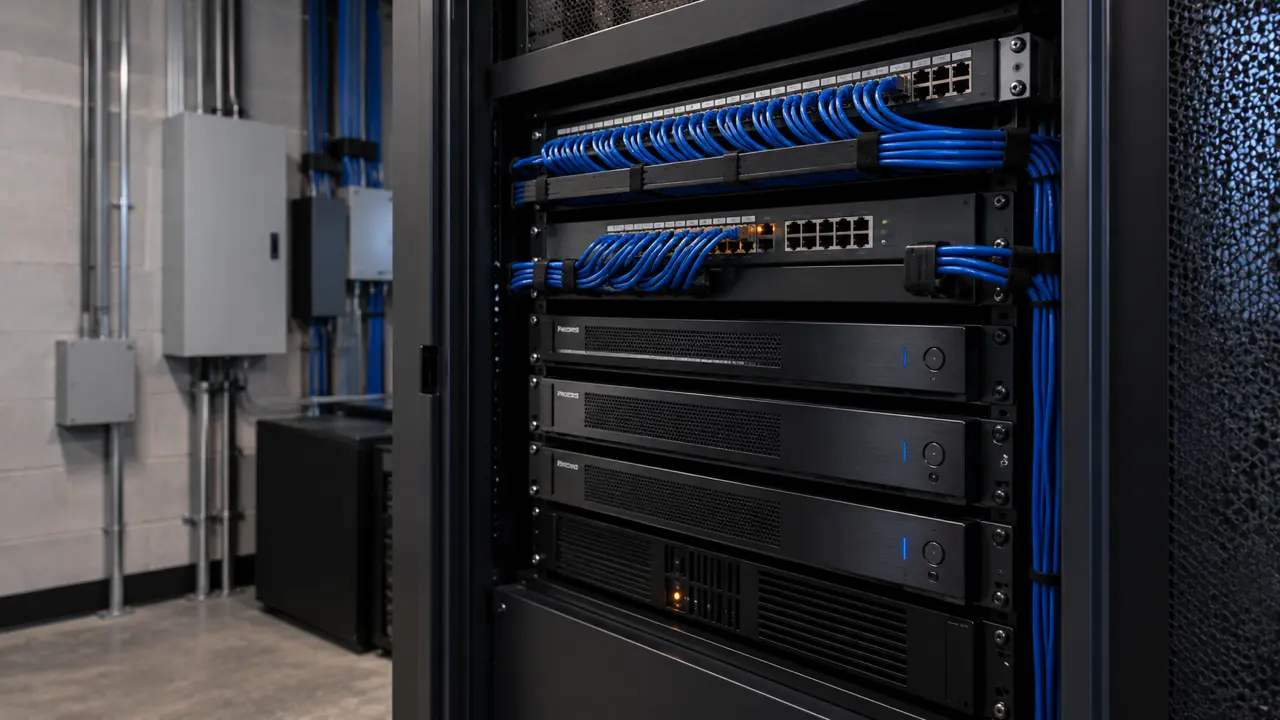
Equipment rack with network switches, recorders, and blue cabling

What you get

Roles set before anyone logs in.

IoTwin sets up the agreed system and brings compatible cameras into it. Review and export permissions are decided before handover, so access to footage is deliberate from day one.

  • User roles for live views, review, and export.
  • A clear account of what existing equipment carries over.
  • An operating handover and a point of contact at IoTwin.

What the team is left with

A working review workflow, documented permissions and retention settings, and a list of which cameras are included and how staff reach their views.

What a VMS adds to the picture

A VMS is the layer that knows every camera. In the IoTwin digital twin, those views can be placed in their building locations beside doors and sensors.

See the illustrative concept

Where this fits

For buildings where camera views and recordings are spread across several systems.

What a VMS does and does not change

What is a VMS?

A video management system brings compatible camera views and recordings into a shared interface for live viewing and review.

Can existing cameras join it?

Often. Compatibility is checked during planning, and the plan identifies what can be brought in and what cannot.

Who can view or export footage?

Roles and permissions are agreed with the building team and recorded before handover.

Is a digital twin required?

No. The twin is an illustrative picture of how your video fits the wider building.

Bring your camera list.

We inventory what you have, check what can join one system, and plan how your team reviews it.

Book a Free Site Walkthrough

Free and no obligation. We walk your site with you, then send you a clear plan.