Solutions

Security systems and IoT sensors, installed. A digital twin, built on top.

IoTwinTM designs and installs cameras, access control, video management and IoT sensors with its own team. Every install is also a layer of the digital twin, the model of your building that IoTwin is building toward.

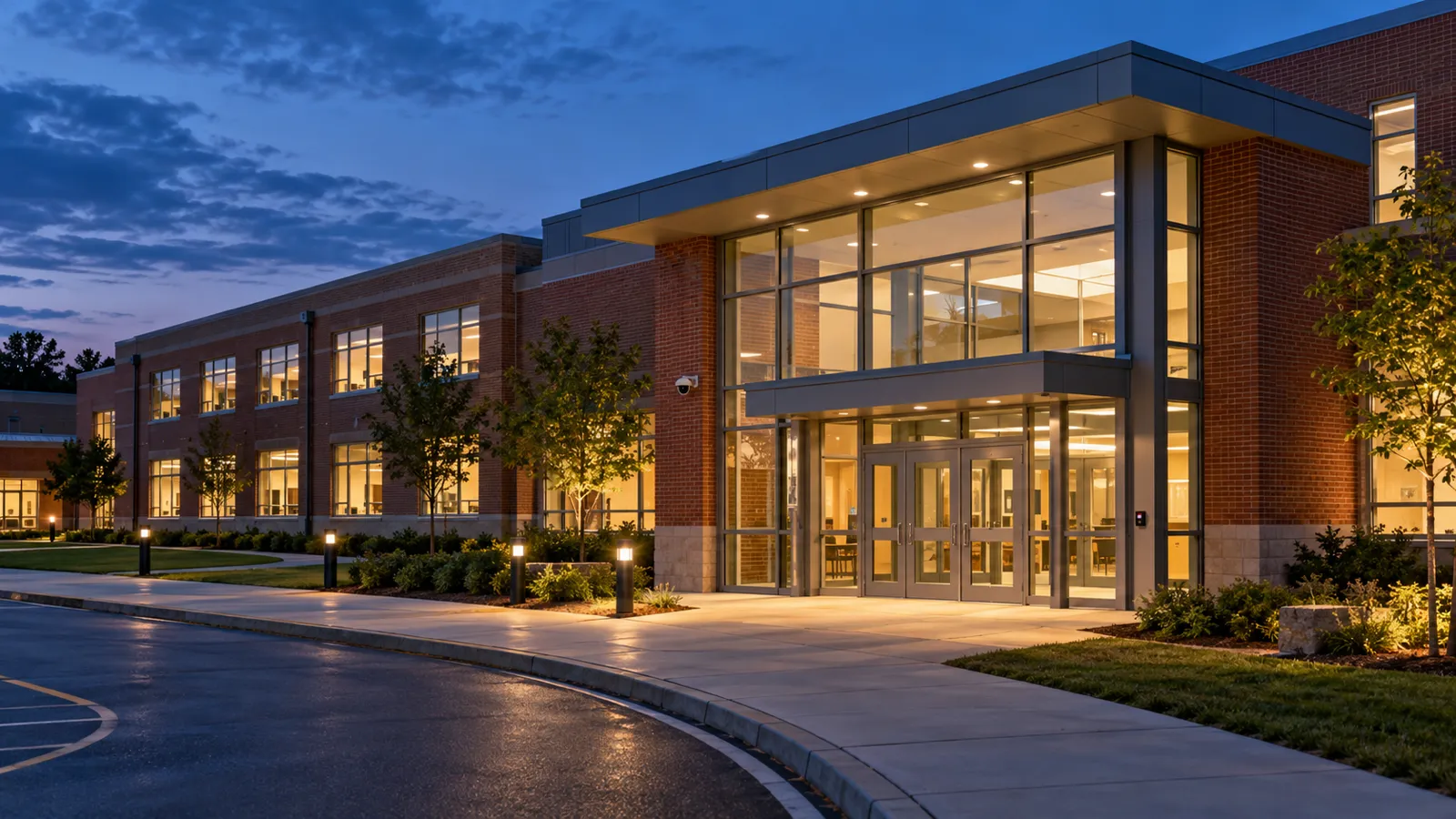
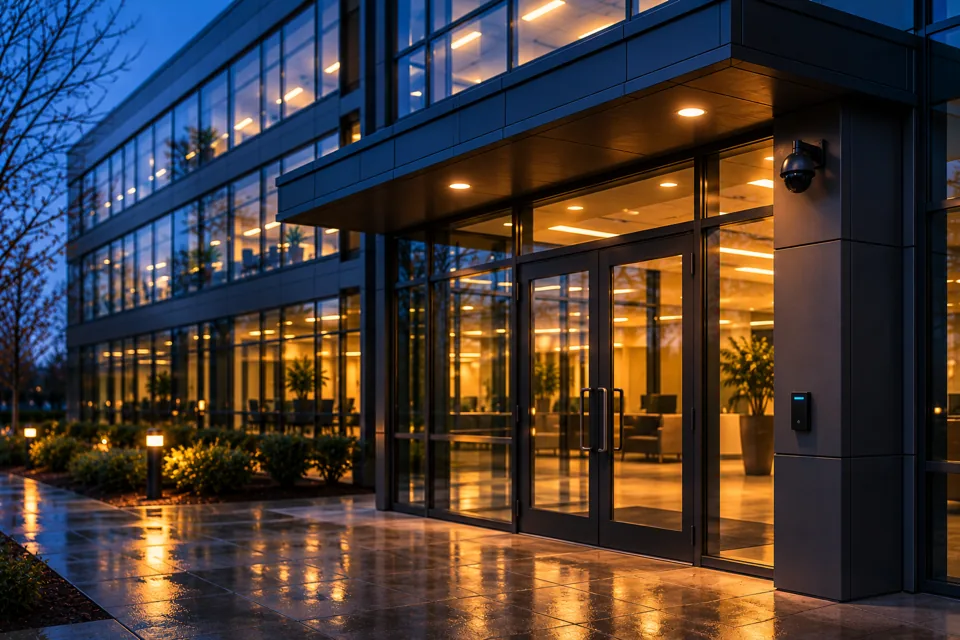
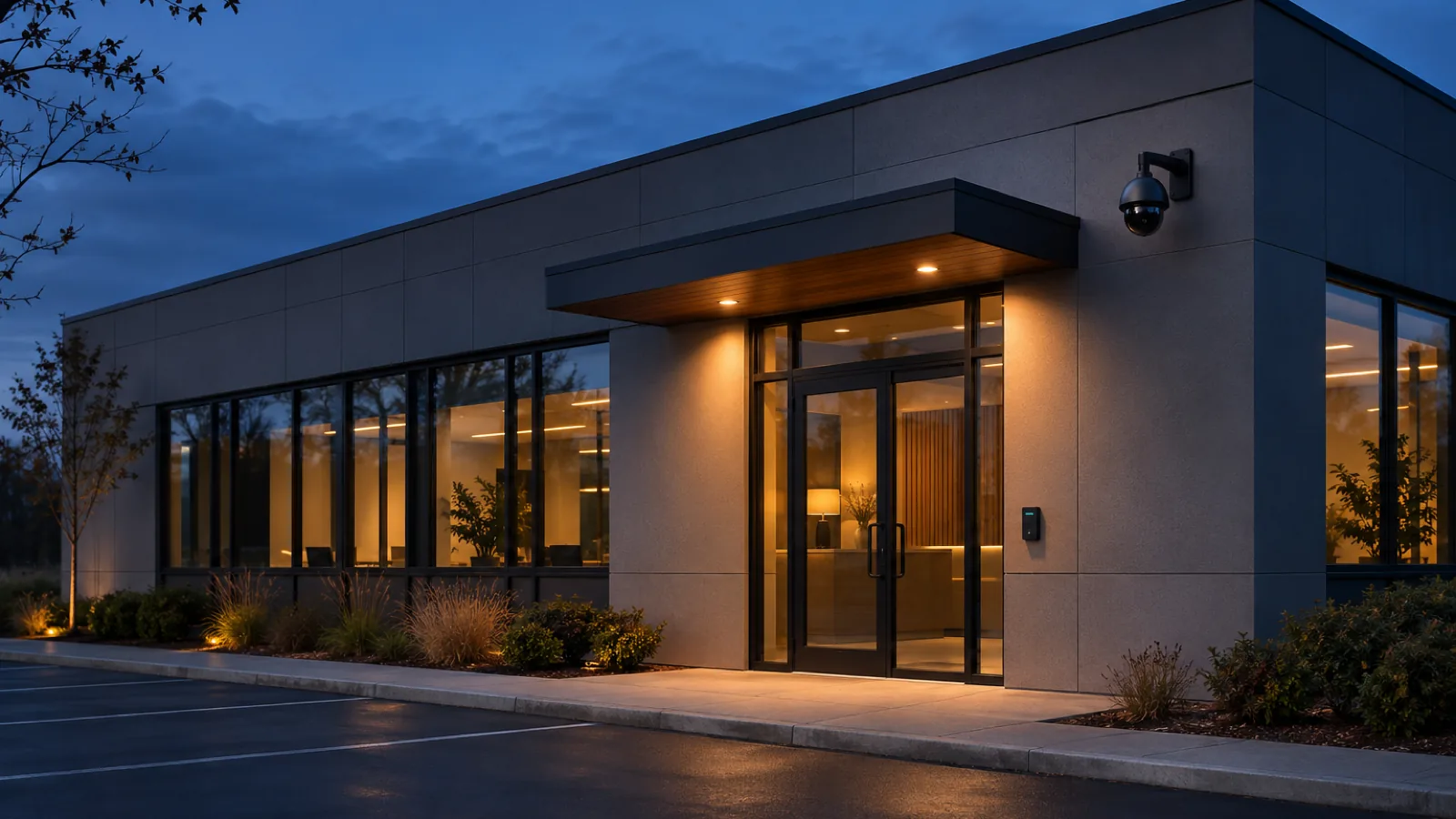
Generated illustration: a commercial building at dusk with a camera above the entrance and a card reader beside the door.

01 / Security systems

Cameras, doors and one place to review them.

Start with one system or plan all three on a single walkthrough. From one entry to a whole campus, our own team does the install.

See itVideo surveillance
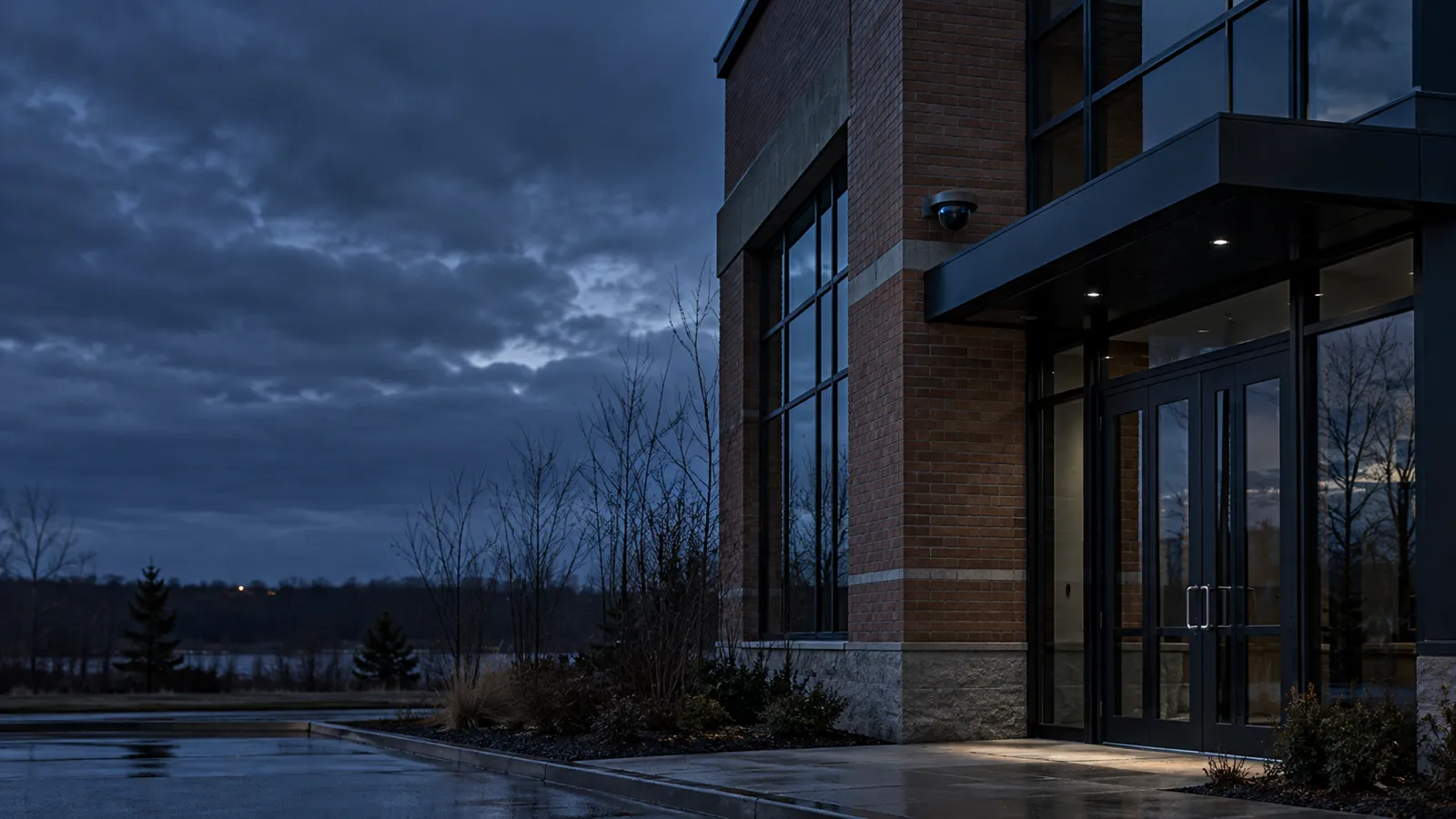
Generated illustration: camera coverage at a building entry.

See the edges of the building.

Cameras go where the walkthrough finds a gap: the side door used every day, the parking edge, the loading area after dark.

Where it sits
Entries, exits, parking and outdoor edges
What you get
A view of each place that matters, recorded and reviewable
Explore video surveillance

Decide itAccess control

Generated illustration: an access reader and door hardware at a building entry.

Decide who opens what.

The access scheme is written down by door, by role and by schedule. Staff, volunteers, tenants and vendors need different doors at different hours.

Where it sits
Everyday entries, shared areas and restricted rooms
What you get
A record of door events that you can actually check
Explore access control

Review itVideo management

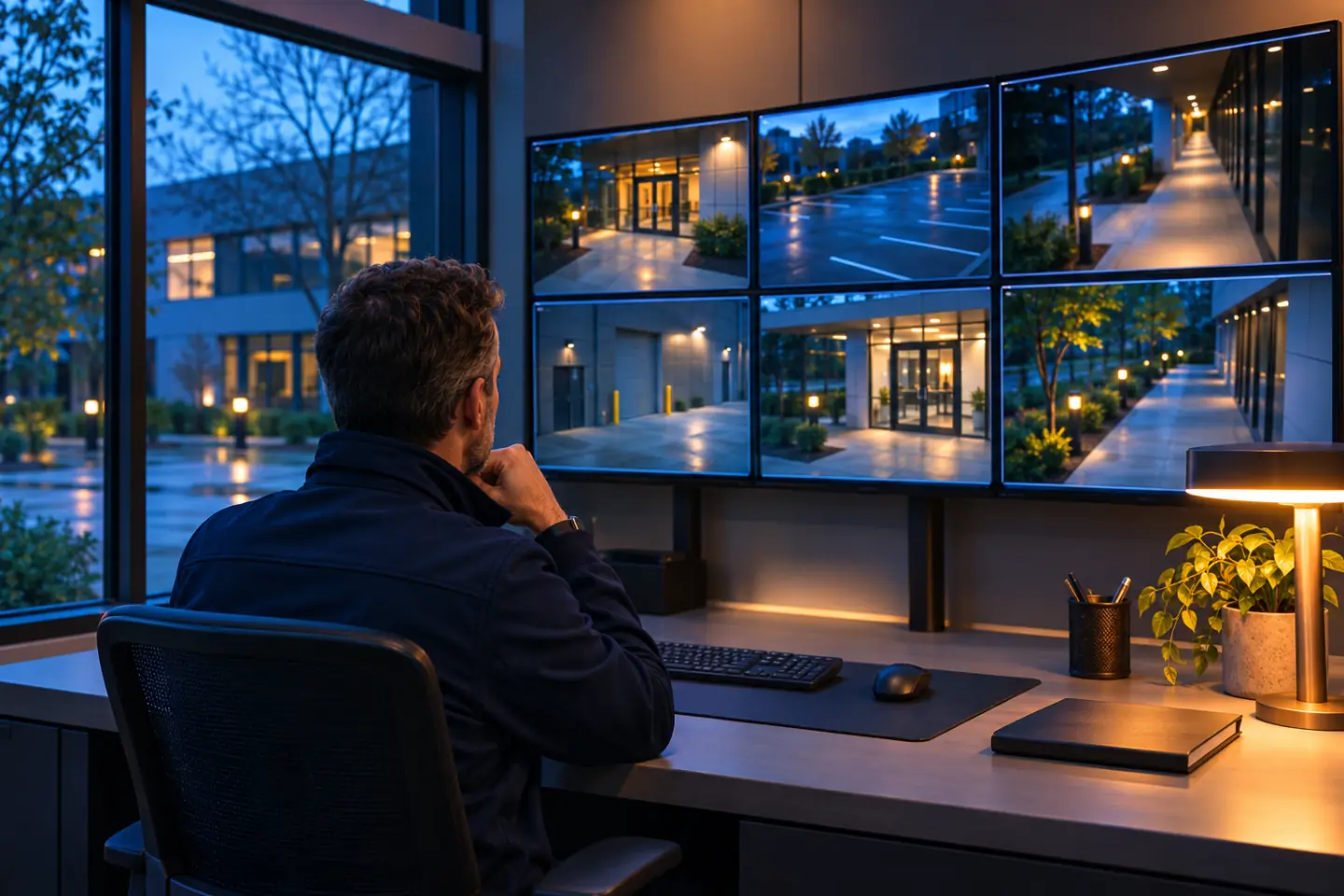
Generated illustration: an operator reviewing a wall of camera views from a quiet office at dusk.

One place to look.

When views and recordings are spread across several systems, finding one clip takes too long. A video management system brings compatible cameras into a single review workflow.

Where it sits
The office or desk where footage is reviewed
What you get
Live views, search and export, with roles agreed before handover
Explore video management
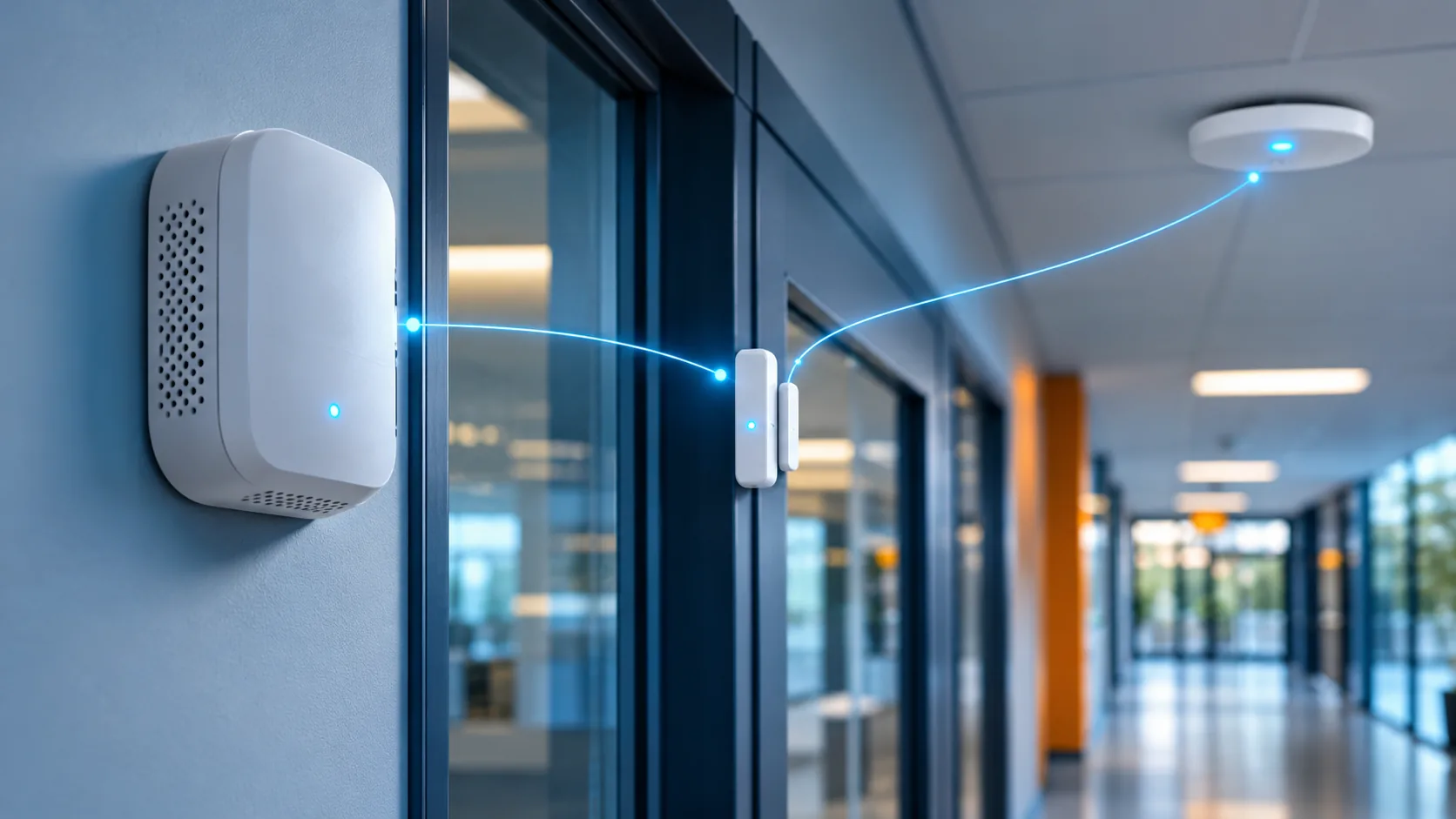
"Generated illustration: a wall sensor, a door sensor and a ceiling sensor in a bright office corridor, joined by thin blue lines of light to show connected devices."

02 / IoT sensors

Sensors that tell you when something happens.

A camera shows what happened. A sensor tells you that it is happening. We place IoT sensors where earlier notice matters, and agree who is told before anything is switched on.

  • DoorA door reports an open.
  • MotionMovement at an entry in the hours it should be quiet.
  • EnvironmentA change in a room that someone should know about.

Emergency response technologies, such as gunshot detection, fire detection and virtual emergency routing, are planned on the emergency response page, where they sit next to evacuation and emergency plans.

Explore IoT sensors

03 / The digital twin

What it becomes: one picture of your building.

A camera, a door and a sensor each send a separate report. The digital twin places them in one model of the building, in the locations they occupy, so the people responsible see context instead of fragments.

Select a layer to pick it out in the diagram.

See the vision
Illustrative concept: one building drawn as three layers Bottom layer: the floor plan of a building with its walls and two doors. Middle layer: four installed devices at those doors and rooms, labeled camera, door reader, sensor and detector (an emergency response technology). Top layer: the same four positions joined by lines into one model of the building, the digital twin. 01 BUILDING 02 INSTALLED 03 TWIN Camera Door reader Sensor Detector
Illustrative concept Installed deviceOne shared model One building, drawn in three layers.

Who it is for

Any organization with open doors.

A sanctuary, a daycare and an office park are walked differently. The method is the same: walk it first, specify second.

Not on this list? A single door gets the same walkthrough as a full campus. Talk to our team

Every project runs the same way.

See how we work
  1. 01

    Discover

    The IoTwin team walks the building with its staff and maps entries, edges, and daily use.

  2. 02

    Design

    One document sets cameras, access, video management and sensors in priority order.

  3. 03

    Install

    The IoTwin team installs the system in phases agreed around building use.

  4. 04

    Handover

    Operating arrangements are explained at handover, with IoTwin as the point of contact.

Before you book

What people ask before the first visit.

Does everything have to happen at once?

No. Start with cameras, access control, video management or IoT sensors, whichever the walkthrough puts first. The order is agreed before any equipment is specified: what to do first and what can wait.

Do you take smaller projects?

Yes. A handful of sensors at one entry gets the same walkthrough as a full campus.

Can existing cameras and door hardware stay?

Often. The walkthrough checks what is already in place and identifies what can stay, what can be brought in and what needs replacing.

Who does the physical installation?

The IoTwin team plans and installs the agreed system, with scope and scheduling documented first.

Is the digital twin required?

No. Cameras, access control, video management and sensors are complete without it. The twin is the direction they build toward, shown here as an illustrative concept, not an actual site capture. See the vision

Next step

Walk the building with us.

The visit is free and by appointment. Headquartered in Boston, serving organizations across the US. It leads to a written plan for the building, in priority order.

Book a Free Site Walkthrough