
IoT sensors
Sensors that tell you when something happens.
Door, motion and environment sensors. IoTwinTM places each one on a site walkthrough, installs it with its own team, and agrees who is told before anything is switched on.
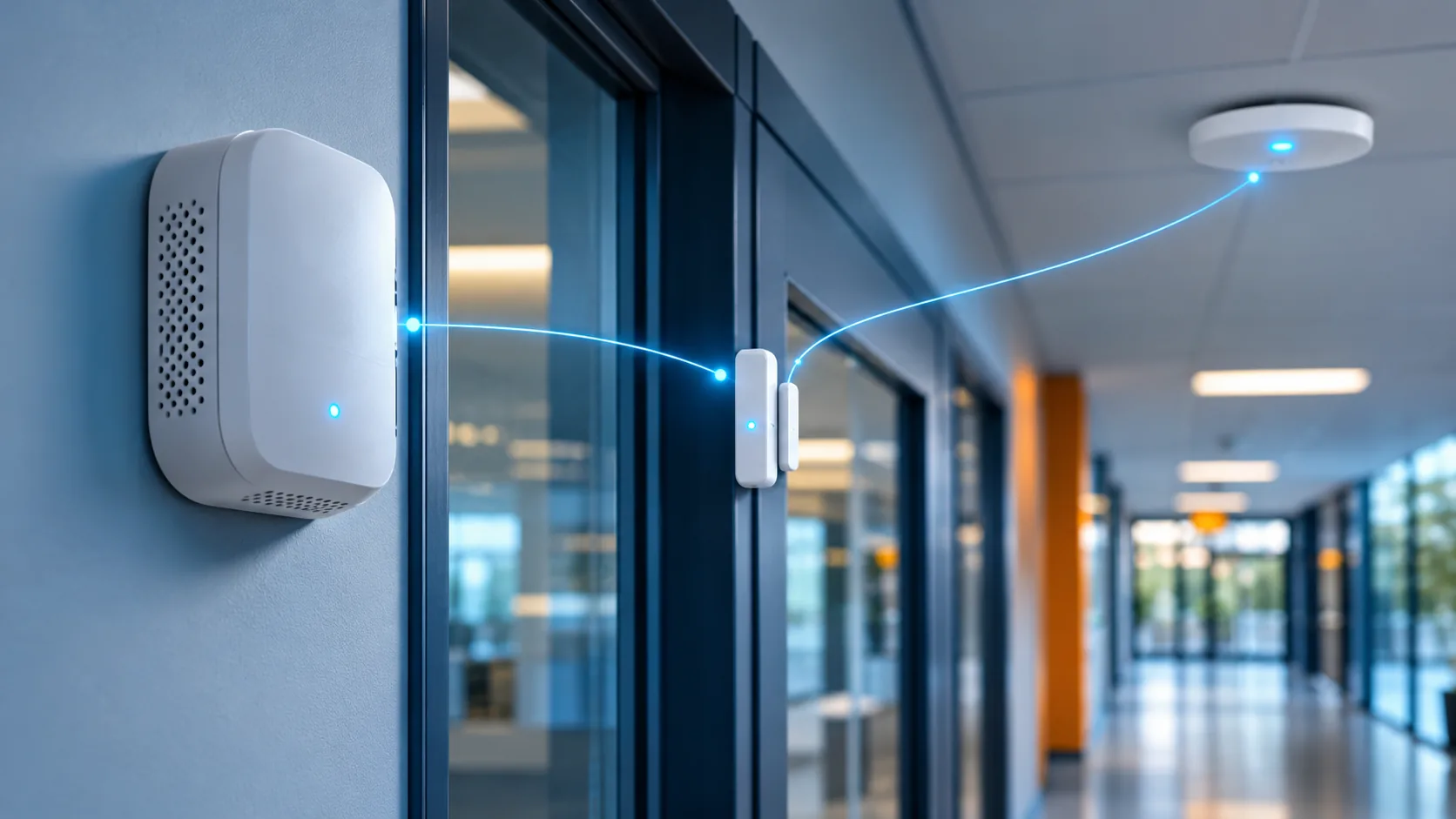
Why sensors
A camera shows what happened. A sensor tells you that it is happening.
A sensor is only useful when someone knows what its alert means and who acts on it. That is settled on the walkthrough, before any equipment is chosen.
Three sensor families
Each sensor has one job and one place.
A sensor goes where the people who run the building need earlier notice. Each one is listed with what it covers and who acts on it.
- Door - on the entries and interior doors that matter. It reports an open.
- Motion - at entries and in spaces that should be still. It reports movement in the hours a place should be quiet.
- Environment - in the rooms picked on the walkthrough. It reports a change in a room that someone should know about.
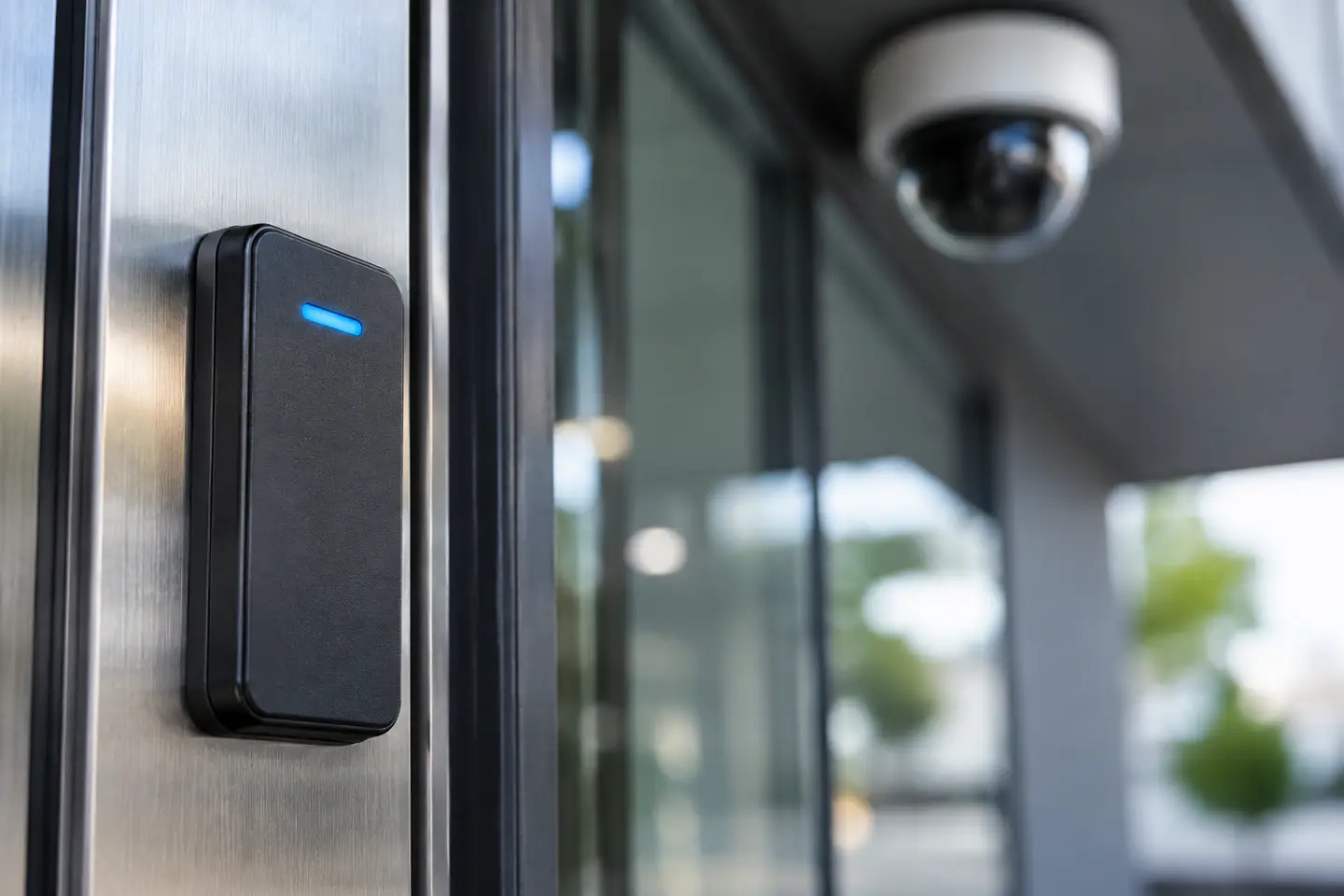
From a signal to a decision.
A side door opens.
It is an hour when the building should be quiet, and nobody is nearby to notice.
The door reports it.
The sensor on that door reports the open as it happens, named by the door it covers.
The alert goes where it was agreed.
It reaches the people your team named for that door and that hour. No one has to work out who to call.
The record follows the plan.
What is recorded, and who may review it, is set with your team as part of the plan.
Emergency response
Sensors are one part of a wider emergency picture.
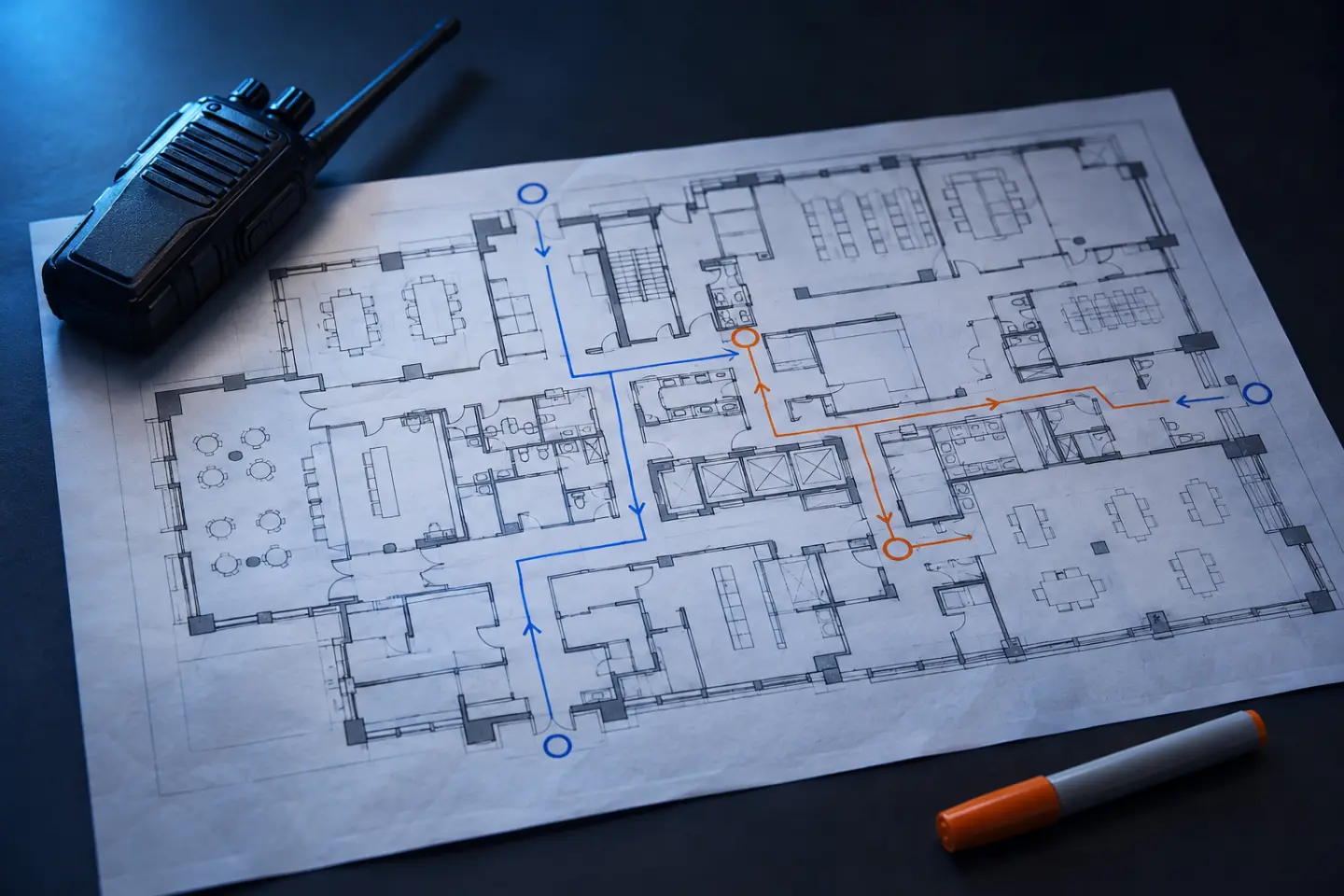
Technologies such as gunshot detection, fire detection and virtual emergency routing, together with evacuation and emergency plans, are planned as part of emergency response. They are placed next to the cameras, doors and sensors they relate to, and the alert follows a path your team has already agreed.
- Coverage areas chosen on the walkthrough and named in the plan.
- Who is alerted, and how an alert reaches staff and responders, decided before it is switched on.
- What to do when it reports, explained at handover.
After install
Handed over with the alerts already agreed.
Handover
Operating arrangements are explained to your team: what each sensor covers and what to do when it reports.
On paper
A written account of each sensor, its coverage and who it notifies stays with the building.
Point of contact
IoTwin stays your point of contact for system questions after handover.
Later changes
The plan is the starting point for staff changes and future work.
Where this fits
For buildings that want earlier notice of what is happening inside and around them, from a single entry to a whole campus.
What sensors add to the picture
A sensor alert says what and when. In the IoTwin digital twin it lands on the floor plan, next to the nearest camera view and door, so the person reading it sees where it happened. The twin is the direction IoTwin is building toward, shown on this site as an illustrative concept. Every sensor is in daily use from handover, with or without it.
Sensors, alerts and who gets the call
Which sensors does a building need?
The walkthrough answers that. IoTwin walks the building with the people who run it and lists each sensor with the place it covers and the person who acts on its alert.
Are emergency response technologies part of every project?
No. Technologies such as gunshot detection and fire detection are included where the walkthrough shows they fit the building. They are covered on the emergency response page, and the plan says where and why.
Who receives an alert?
The people your team names. Notification paths are agreed before handover and recorded with what to do when each sensor reports.
Can sensors be added to an existing system?
Often. Compatibility with existing cameras and access control is checked during planning.
Do you take smaller projects?
Yes. A handful of sensors at one entry gets the same walkthrough as a full campus.
Start with what your building should tell you.
Walk the building with us. We mark where sensors belong, and who each alert reaches.
Free and no obligation. We walk your site with you, then send you a clear plan.