
Schools and daycare
Security planned around the school day.
Cameras, access control, video management, IoT sensors and emergency response shaped by entries, drop-off, playgrounds, parking, and after-hours use. Walk the building with the staff who know it, then install with our own team.
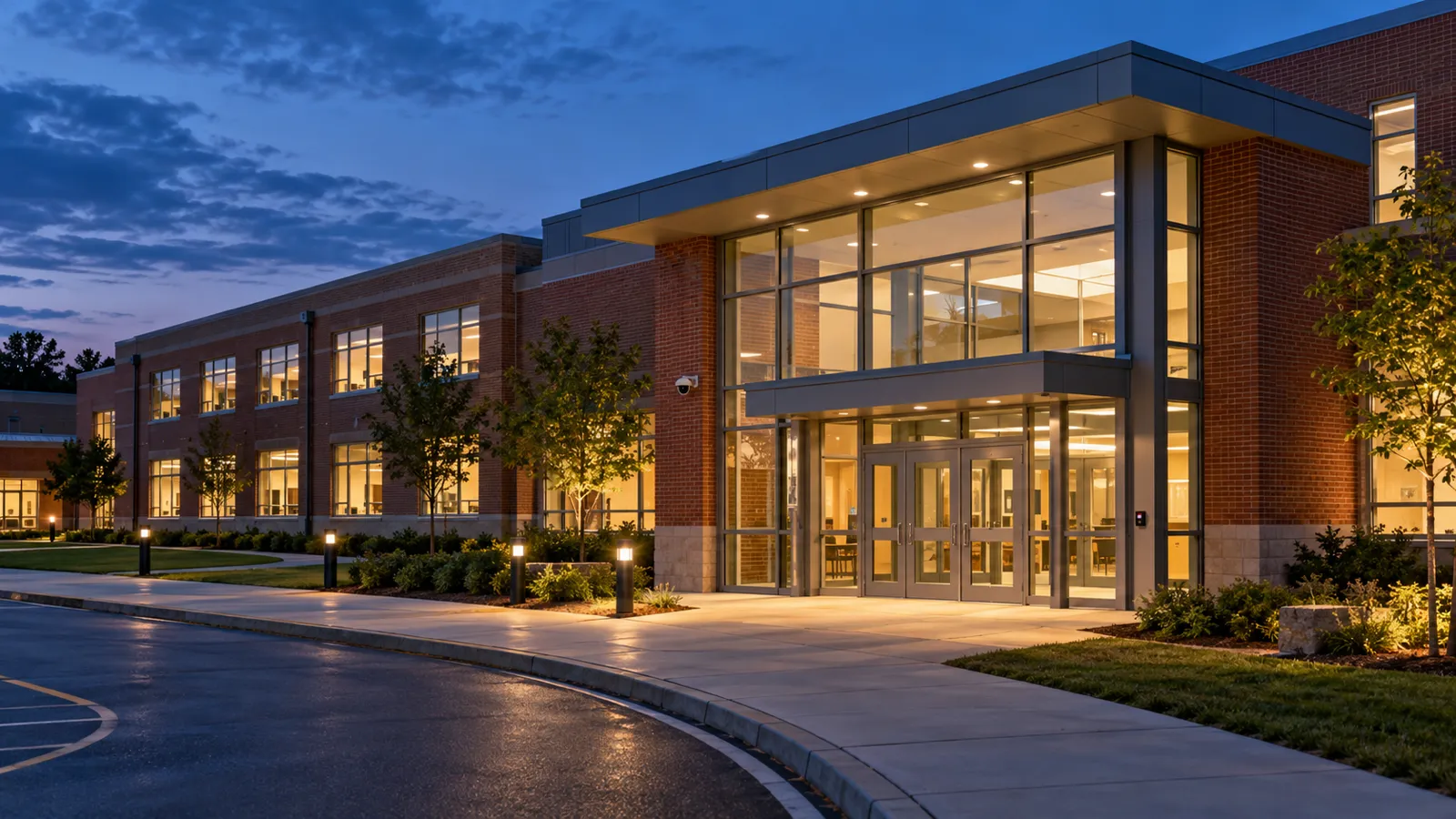
Start with the daily flow.
Drop-off, pickup, visitors, staff access, and after-hours programs shape the plan. The walkthrough brings the front office and facilities team into those decisions.
On the walkthrough
Walk the entries and outdoor edges.
Staff know which doors and routes are used every day. That knowledge guides coverage and access decisions before equipment is specified.
- Main and side entries, parking, and loading.
- Playground boundaries and drop-off routes.
- Existing hardware and areas needing clearer coverage.
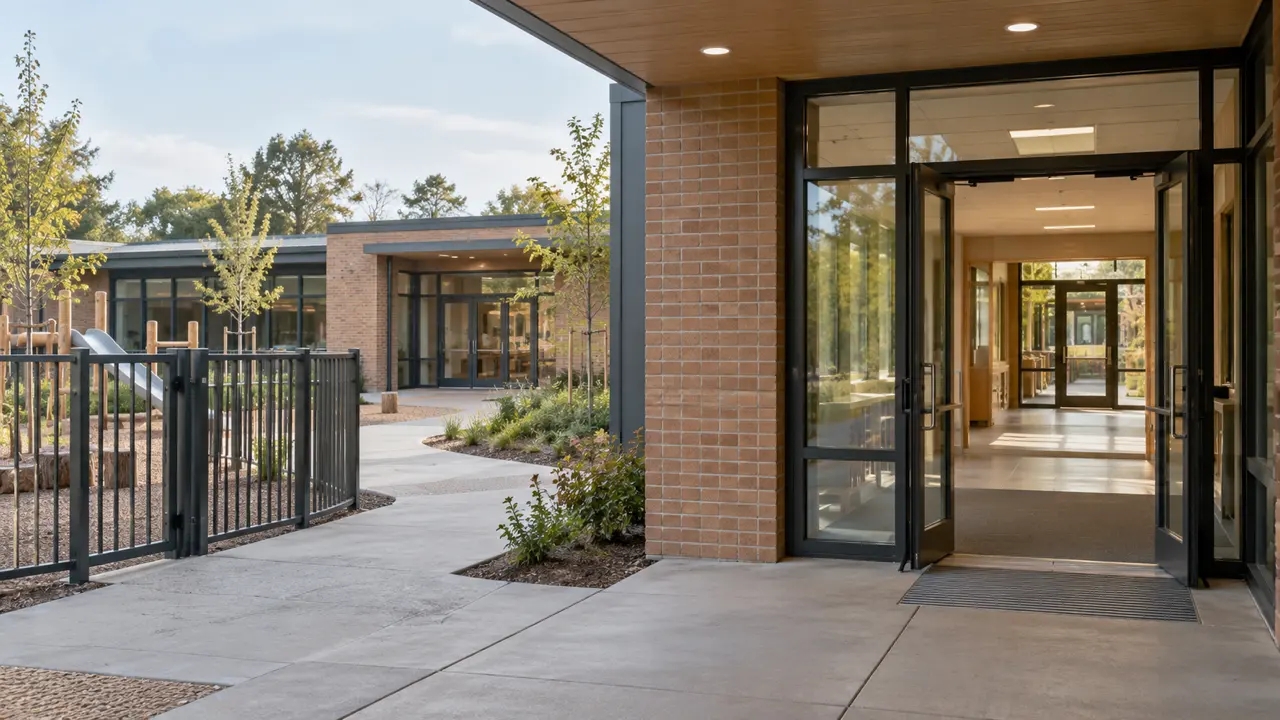
Sensors and emergency response on a school site
IoT sensors and emergency response technologies, such as gunshot detection and fire detection, are scoped on the walkthrough like any other system. The plan names which areas they cover, who is alerted, and how an alert reaches staff and responders.
- Entries, parking, and playground edges are reviewed for coverage.
- Alert routing is agreed with administrators before installation.
- Both sit alongside the cameras and door access in the same plan.
Installation and handover
A plan the school team can review.
The written plan records scope, priorities, and scheduling. Installation is coordinated with staff around agreed work windows and the school calendar.
- Door rules for staff, visitors, and after-hours use.
- Camera placement and privacy expectations discussed.
- Recording, retention, and review permissions documented.
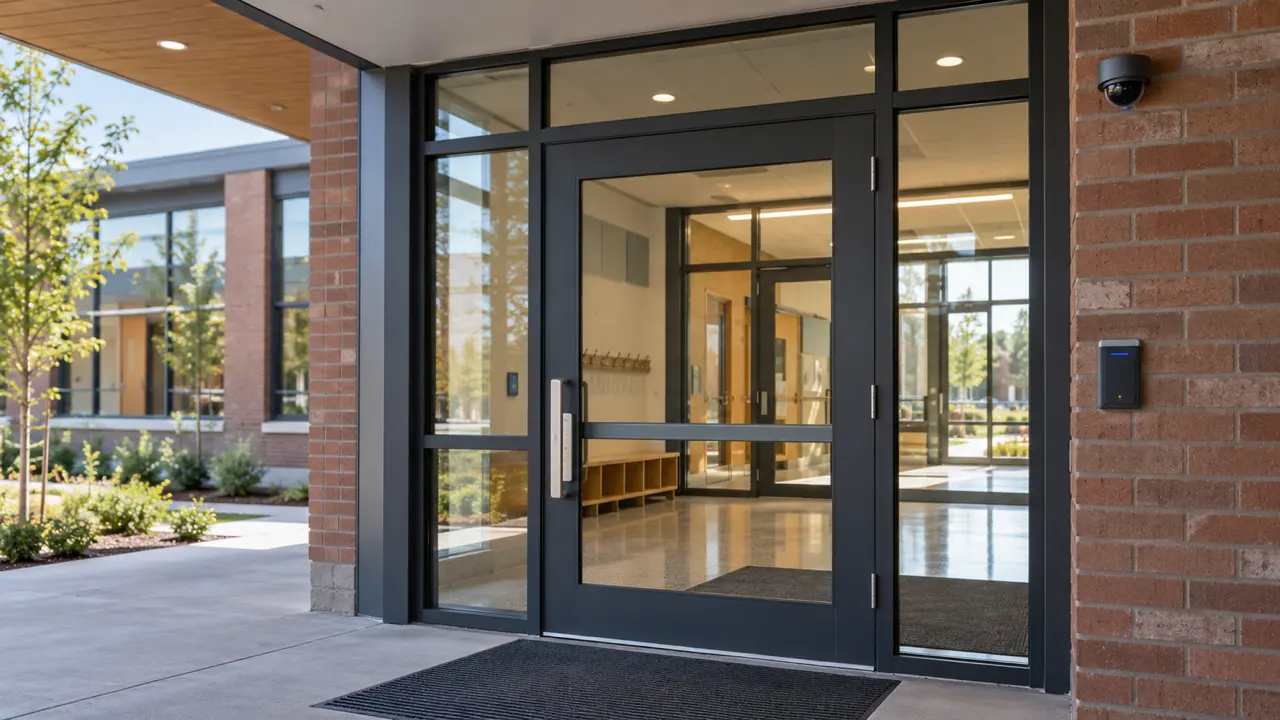
After the crews leave
Staff receive the agreed system information and operating arrangements. Credential administration, recording access, and the IoTwinTM point of contact are explained before handover.
What the install builds toward
The IoTwin digital twin is where these installs lead: entry, camera, and sensor events placed on the school floor plan. It is built on what is installed and is not a prerequisite.
Systems a school can include
Each system is scoped on the walkthrough, and a school can begin with one.
What school teams ask first
Are cameras placed in classrooms?
The walkthrough focuses on entries and outdoor edges. Any interior placement is discussed and agreed with school staff.
What does a committee receive?
A plan with scope, priorities, and a timeline for review.
Can a small daycare start with a limited scope?
Yes. The walkthrough identifies the doors and areas worth addressing first.
How is installation scheduled?
Work windows are agreed with staff around the school calendar and building use.
Who can review footage?
Recording access, retention, and review permissions are agreed with the school team and documented.
Walk the school with the people who run it.
Bring the front office, facilities, and whoever manages drop-off. We will start at the main entry.
Free and no obligation. We walk your site with you, then send you a clear plan.